Save the image in a link preview.
The picture you see when someone shares a link in a chat. Open the page, click Ogpeel, and download it full size or copy it to paste anywhere.
- Other browsers
- Add to Edge
- Get for Safari
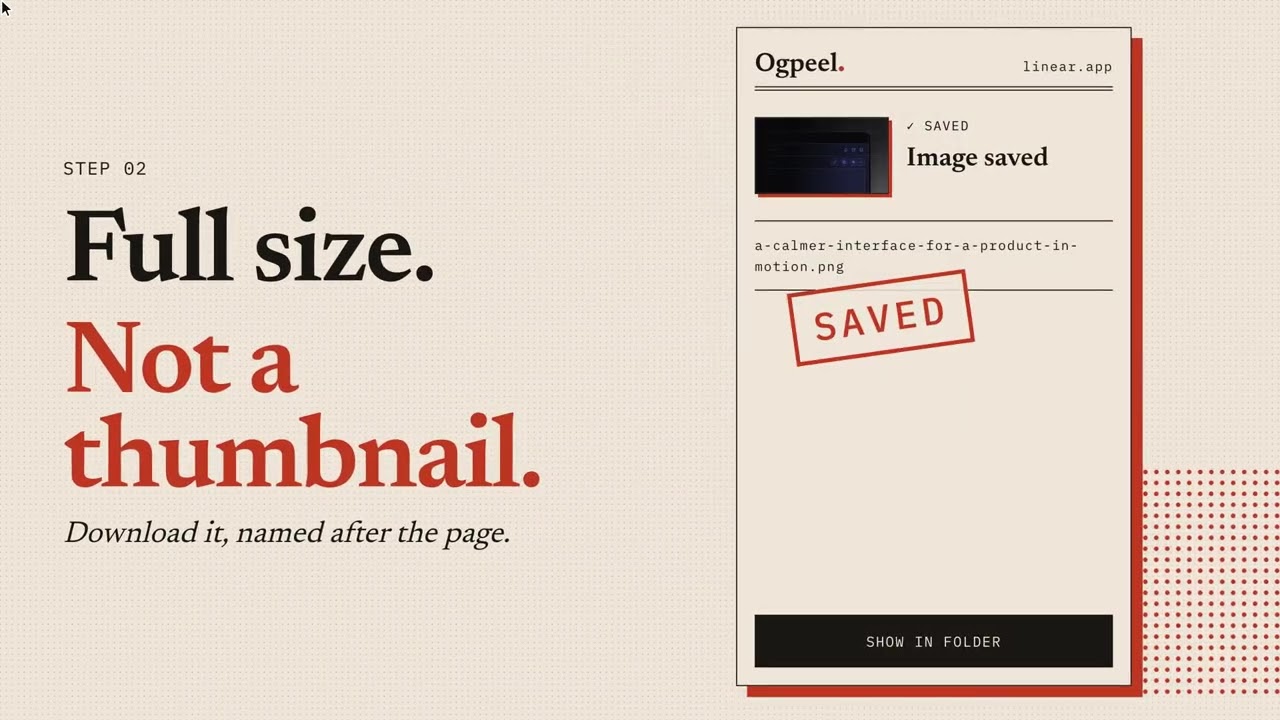
How it works
Open a page
An article, a product page, a news story.
Click Ogpeel
See its link preview image, size and format.
Download or copy
Save the full-size file, or paste it anywhere.
Free, for everyone
No account. No catch.
- Download the link preview image, full size
- Copy the image or its link
- See every preview image a page offers
- Preview a link on X, LinkedIn, Slack and WhatsApp
- Reads a page only when you click Ogpeel
For developers
Like a site's preview image? Get one in its style.
Ogpeel writes a prompt you paste into your coding agent. It asks for preview images in that style for your pages, with your own words and colours.
Build link preview images (Open Graph) for the pages of my Next.js site.
Size: 1200 × 630, PNG.
Match the reference layout, but use my own colours, fonts and words.
Set og:image, og:image:width, og:image:height and og:image:alt on each page.
Pricing
Two prompts free. Then pay once.
Unlimited prompts
$9 once
Optional. Only for developer prompts. Your key comes by email, no account. Refund within 14 days.
Pay $9 — secure checkout Checkout by BachsDon't need prompts but like Ogpeel?
Buy me a coffee · $3Questions
Common questions.
Does Ogpeel read the pages I visit?
Only the page you click the icon on, and only at that moment. Nothing is sent anywhere.
Can I use images I download?
The image still belongs to whoever made it. Ask the site before you reuse it.
What do I get for $9?
Unlimited developer prompts. Saving and copying images is always free.
I lost my key.
Search your email for “Your Ogpeel key”. Can’t find it? Write from the address you paid with and a person sends it again.
Can I get a refund?
Yes, within 14 days of paying. Reply to your key email.